Amazon A+ content with AI: Amazon’s free tool and when you need more
Amazon already has a free AI generator for A+ content. In A+ Content Manager, modules with an “AI Ready” badge let you pick the text and image fields to generate for a brand-owned ASIN. A+ itself is free for eligible sellers, and Amazon announced the AI tools for all US Brand Registered sellers on select English-language modules. A separate tool earns its place only when you want the whole A+ set designed together with your gallery and copy.
By Yahya Boudali, founder of Frontpiece. Sources reviewed .
We make Frontpiece, which makes A+ content as part of an Amazon listing kit. Amazon’s facts below come from Amazon’s own pages.
What Amazon’s built-in AI does
- You add a module in A+ Content Manager, look for the “AI Ready” badge, choose the text and image fields to fill, enter a brand-owned ASIN and generate. Amazon’s steps
- Amazon says the generator can use insights from your ASIN and top-performing products in your category. Amazon A+ Content
- It is free. Amazon’s announcement names all US Brand Registered sellers and select English-language modules; check the badge in your own account, since the post shows no exact date. Amazon announcement
Who can use A+ content
- A Professional selling account, which Amazon lists at $39.99 a month plus selling fees. Amazon A+ Content
- A Brand Representative or Reseller role on a brand enrolled in Amazon Brand Registry, or generic products in your catalog. A+ applies only to your brand-owned ASINs. Amazon A+ Content
- Amazon reviews A+ content before it appears on the detail page. Its 2023 guide said review can take up to seven business days. Amazon A+ guide, March 2023
What Amazon says A+ is worth
Amazon’s A+ page says Basic A+ can increase sales by up to 8% and well-implemented Premium A+ by up to 20%. Its footnote cites “Amazon internal data” with no method, period or sample, so read both as ceilings Amazon reports, not results to expect. Amazon A+ Content
Amazon’s tool or a separate one
| Feature | Amazon A+ Content Manager AI | Frontpiece |
|---|---|---|
| Price | Free for eligible sellers | First kit free, A+ included. See pricing. |
| Starts from | A module you add and the fields you choose, for a brand-owned ASIN | Your product link or your own photos |
| Makes | Text and images for the fields you pick in AI Ready modules | An A+ layout you review, then its module images and text, made in the same kit as the gallery and listing copy |
| Marketplaces | Amazon only | A+ for Amazon; gallery and copy for Amazon, Walmart, Etsy, TikTok Shop and Shopify |
| Publishing | Inside A+ Content Manager | You add the modules in A+ Content Manager, where Amazon reviews them as usual |
- Use Amazon’s tool when you want to fill a few fields in a module you already planned. It is free and already in Seller Central.
- Use a full A+ set when you want every module designed from your own product photos and consistent with your gallery and listing copy. Frontpiece shows the layout first, so you approve the plan before any module image is made.
- A+ sits below the gallery, so check the rest of the listing too: the Amazon image requirements and an Amazon listing audit.
A+ modules from a real kit
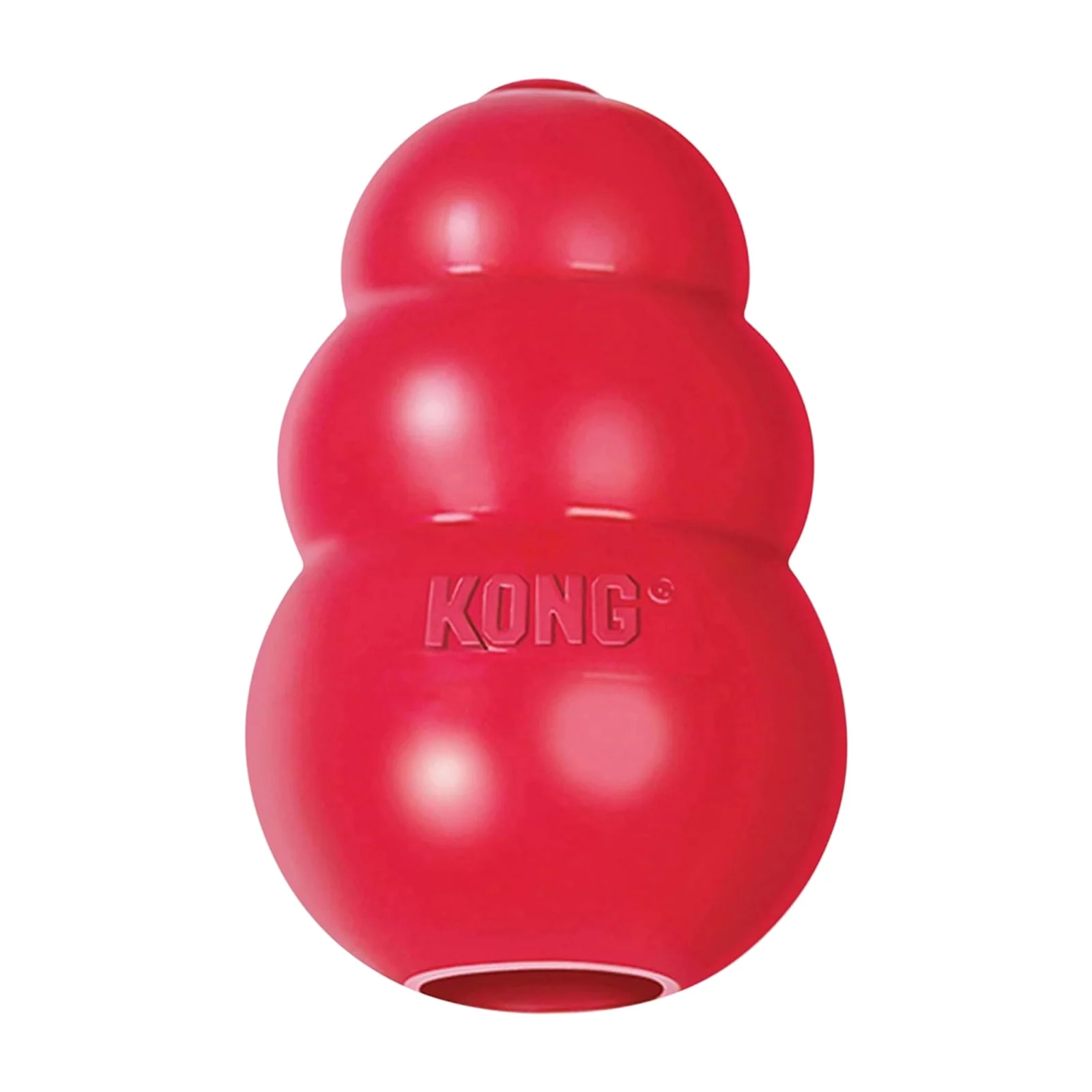
Frontpiece made these A+ modules in the same Amazon kit as the gallery, from KONG’s public listing photos.
Listing photos in
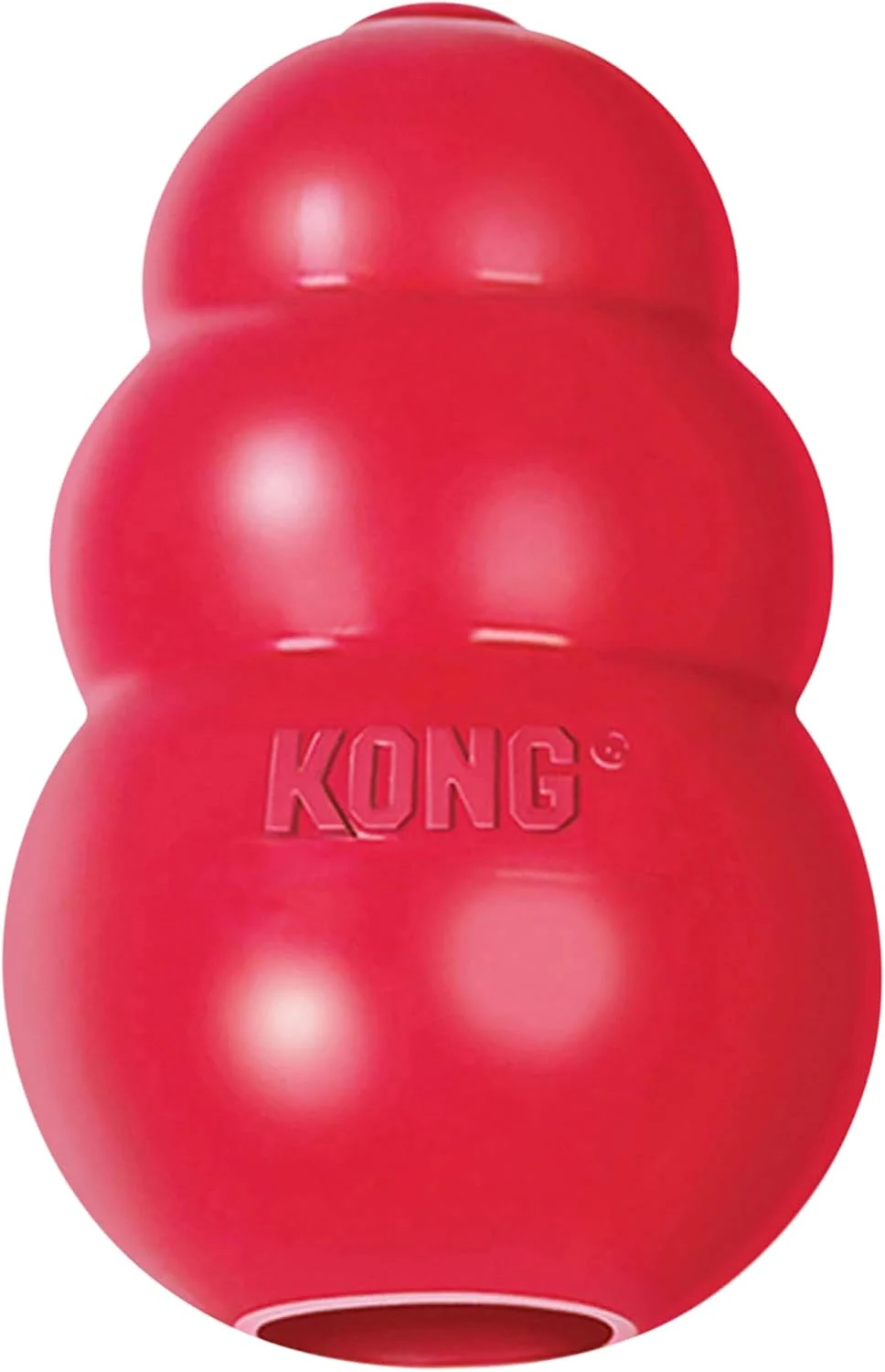
Frontpiece images out
A+ modules (Amazon only)
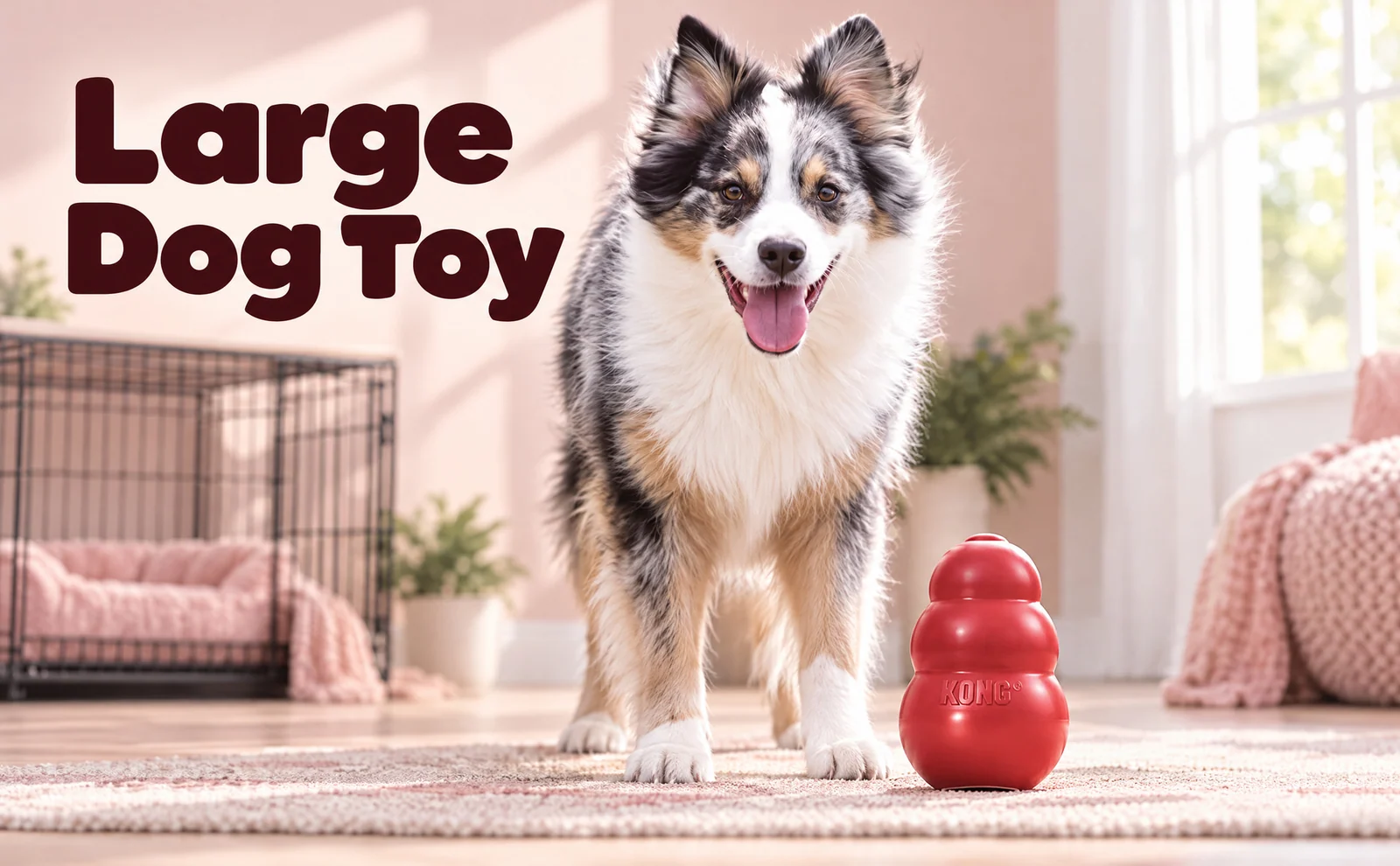

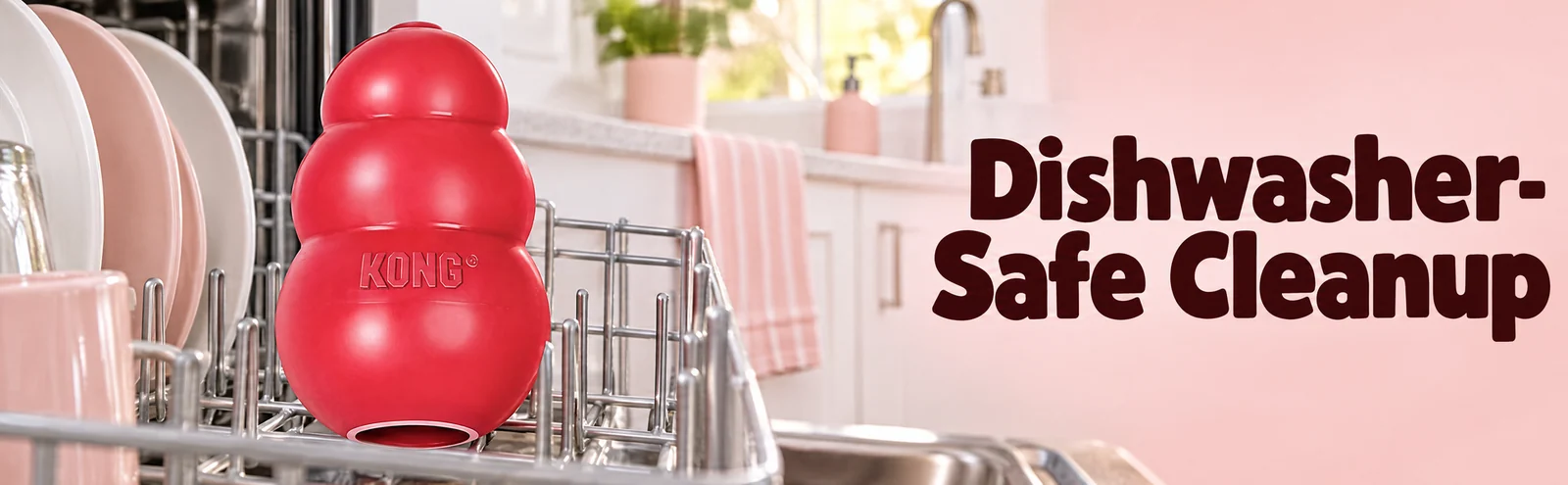
Example made from the brand's public listing photos. Not affiliated with or endorsed by the brand. Brand owner? Ask us to remove it
See the whole kit on the examples pageSources
Start a kit with your product link or photos. The first kit is free.
Try Frontpiece